
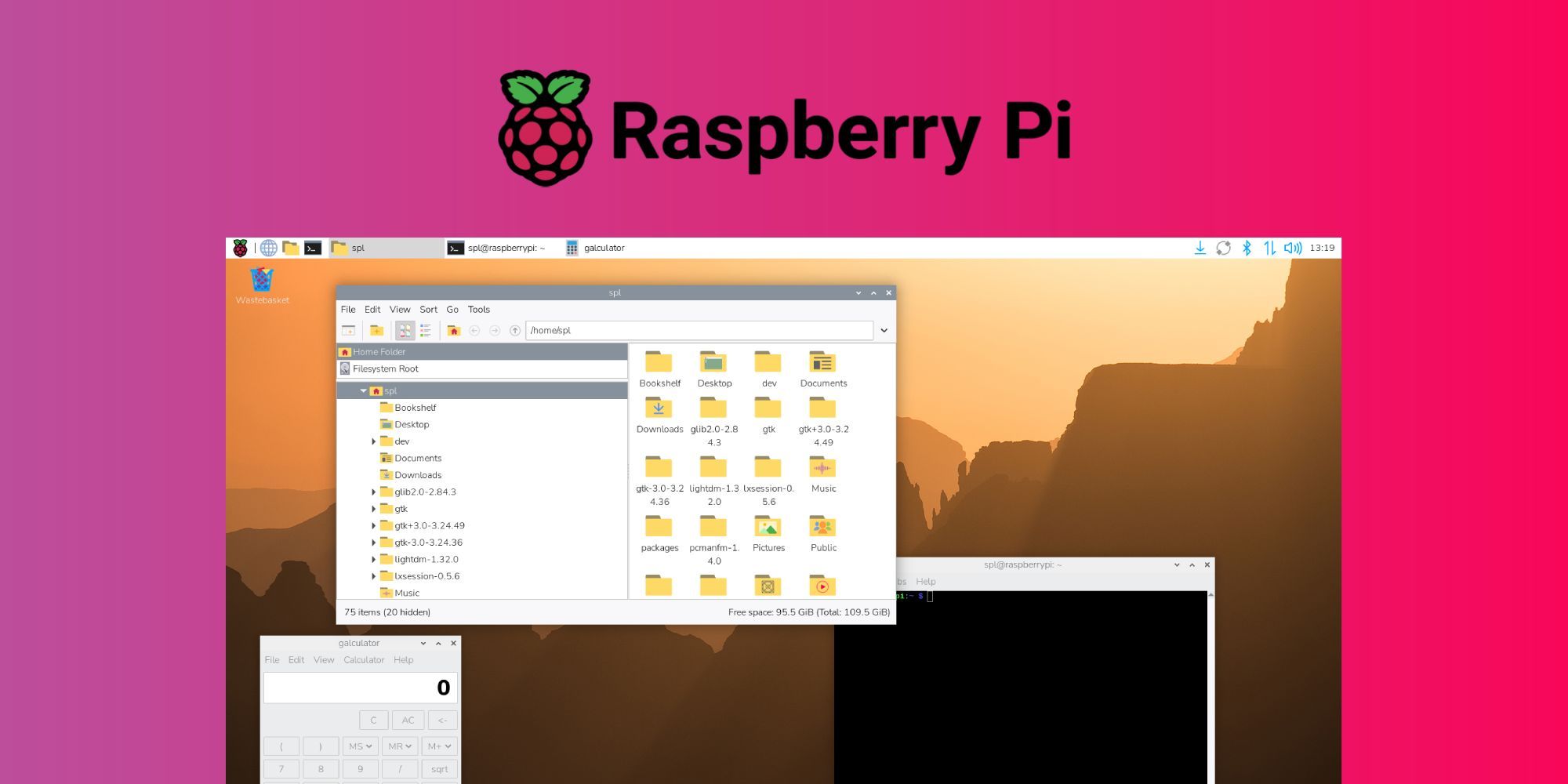
Raspberry Pi OS has transitioned to a Debian 13 "Trixie" foundation while maintaining the Linux 6.12 long-term support kernel, delivering a modernized visual experience and consolidated system management tools. 🚀 This update represents significant user interface refinement alongside technical foundation improvements that enhance compatibility and prepare the platform for future feature development across the Raspberry Pi device ecosystem.
Debian 13 Foundation Enhances Compatibility 💻 The move to Debian 13 "Trixie" provides updated system libraries, improved hardware support, and enhanced security features while the continued use of Linux kernel 6.12 LTS ensures long-term stability and driver compatibility. This combination balances cutting-edge software availability with the stability requirements of embedded and educational computing environments. 🔧 The foundation update positions Raspberry Pi OS to support newer software packages while maintaining the reliability that users depend on for projects and deployments.
Complete Visual Redesign Modernizes Interface 🎨 The release introduces a comprehensive visual overhaul featuring an entirely new icon set, modern font selection, updated desktop backgrounds, and refined interface elements designed to provide a more contemporary user experience. These aesthetic improvements bring Raspberry Pi OS in line with modern desktop environment design standards while maintaining the approachable character that makes it suitable for educational contexts. ✨ The visual refresh acknowledges that interface design significantly impacts user perception and engagement with the platform.
Control Center Consolidates System Settings ⚙️ A new Control Center application unifies previously separate configuration tools including Raspberry Pi Configuration, Appearance Settings, Mouse and Keyboard Settings, Screen Configuration, and Printer management into a single cohesive interface. This consolidation simplifies system management by reducing the number of distinct applications users must navigate to adjust common settings. 🔄 The unified approach mirrors trends in mainstream desktop operating systems toward centralized settings management that improves discoverability and reduces configuration complexity.
Bookshelf App Enhances Content Discovery 📚 The updated Bookshelf application now uses padlock icons to highlight titles that will soon become freely available, providing visual cues that help users discover upcoming content accessibility changes. This enhancement improves the user experience for educational resources and documentation that form an important part of the Raspberry Pi ecosystem. 🔓 The content discovery improvements acknowledge the importance of learning resources in supporting Raspberry Pi's educational mission.
Package Management Performance Improvements 📦 Enhancements to the package management system deliver improved performance during software installation and updates, addressing common user frustrations with package operations on resource-constrained devices. These optimizations ensure that system maintenance tasks complete more efficiently on Raspberry Pi hardware. ⚡ The performance focus demonstrates attention to the real-world experience of users working with devices that have limited processing power compared to desktop computers.
Raspberry Pi OS Lite Gains Additional Packages 🔬 The lightweight Raspberry Pi OS Lite variant now includes additional packages that expand functionality while maintaining its slimmed-down profile suitable for headless server deployments and resource-constrained projects. This expansion provides more capability out-of-the-box without sacrificing the minimal footprint that makes Lite appropriate for specific use cases. 💡 The package additions acknowledge that even minimal installations benefit from certain common tools and utilities.
Educational and Maker Community Impact 🎓 The interface modernization and simplified settings management particularly benefit educational users and makers who may be new to Linux-based systems, reducing barriers to productive use of Raspberry Pi devices. The visual refresh maintains approachability while providing a more polished experience that competes favorably with commercial operating systems. 🌟 These improvements support Raspberry Pi's mission of making computing accessible to learners and creators worldwide.
📰 News Summary
🔑 Key Highlights:
- 🍓 Raspberry Pi OS updates to Debian 13 "Trixie" foundation with Linux 6.12 LTS kernel
- 🎨 Complete visual redesign includes new icons, modern font, updated backgrounds, and interface refinements
- ⚙️ New Control Center unifies Raspberry Pi Configuration, Appearance, Mouse/Keyboard, Screen, and Printer settings
- 📚 Bookshelf app adds padlock icons highlighting titles becoming free for improved content discovery
- 📦 Package management performance enhancements improve installation and update efficiency
- 🔬 Raspberry Pi OS Lite gains additional packages while maintaining lightweight profile
- 💻 Foundation update enhances compatibility and prepares platform for future development
- 🎓 Interface modernization benefits educational users and makers with simplified system management